Panasonic announced the release of “LUMIX Tether for Streaming (Beta)” on June 8, 2020. The beta software program for Windows is derived from conventional “LUMIX Tether (Ver.1.7)” with an additional display option for the cases where this software is used for live streaming purposes. It may help user convenience in the growing self-streaming opportunities.
As “LUMIX Tether” is a software program originally designed for tethered shooting, GUIs such as a focus area mark as well as control panels are displayed with live view images on the PC monitor during USB tethering. However, these graphic items become a hindrance when the software is used to capture camera view for live streaming. In response to the demands of customers to resolve this issue, LIVE VIEW mode has been added on “LUMIX Tether for Streaming (Beta)”. It enables displaying camera view only, making it easy for the separate streaming software to read it. Users can choose to show or hide these graphic items during USB tethering according to the usage purpose.
“LUMIX Tether for Streaming (Beta)” is provided as a pre-release version that is currently still under development. Please note that this software is not eligible for operation warranty and customer support.
Olympus:
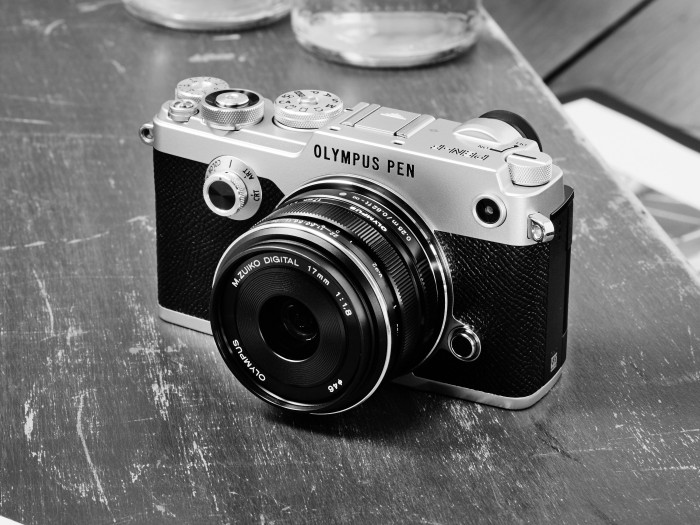
– Wild rumor about two PEN-F cameras coming this autumn (article here).
– PEN-FII rumor via UK magazine (article here).
– New major E-M1X firmware update is coming soon (article here).
– There is definitely a 100mm macro on the roadmap (article here).
– 100-400mm lens will be definitely launched this summer (article here).
Panasonic:
– Panasonic will announce new L-mount lenses soon. But there is now word about new MFT gear (article here).
– First super wild rumors about the GH6 specs (article here).
– Panasonic managers promises to energize the MFT world (article here).
Seagate: Which Drive Is Right for You? (Explora).
Sigma 18 – 35mm on MFT camera review (Wedding Film Geeks)
Olympus EM1 Mark III: 3 Fatal Flaws To The BEST Camera I’ve Tried (Camera Conspiracies).
Rob:
Hi! I thought your readers might benefit from a video I just posted about getting the best quality raw processing for Olympus files in Lightroom. https://youtu.be/g7ZsnVB1iao