Robin Wong: Electronic Shutter Is The Future – But Can You Use It All The Time?

Share

Robin Wong:

When it comes to silent shutter, I have been frequently asked if it can be left as a default on the camera, the answer is not that straightforward. Again, each and every time I want to answer a question, it seems like I would need to spend about half an hour to just draft an email. Therefore, making this video will solve all my future problems on similar topic.
I can be lazy and just give a simple yes or no, but you know me, I am doing my best to be thorough and share as much as I can.
Using Electronic Shutter breaks a lot of camera limitations, and is the future of imaging technology. Olympus allows burst sequential shooting up to 60fps RAW, breaks shutter speed limit up to 1/32000 and implemented creative composite computational imaging features such as PRO Capture Mode, High Res Shot, Live ND, Live Composite, Focus Stacking, just to name a few. Silent shutter is not just for shooting silently, it offers a lot more benefit that pushes the boundaries of modern photography.
However, currently electronic shutter is still evolving and still has some limitations, which the photographers must be aware of. Using electronic shutter will introduce jello/rolling effect, banding issues in artifical light and imposes restrictions for flash photography.
I hope this video clears up all questions about silent/electronic shutter and helps you make better decisions on choosing which mode for the photography that you are doing!
0:36 What is Electronic Shutter?
2:32 Why is Electronic Shutter Important? How Electronic Shutter pushes the boundaries of imaging technology and is the future of camera evolution?
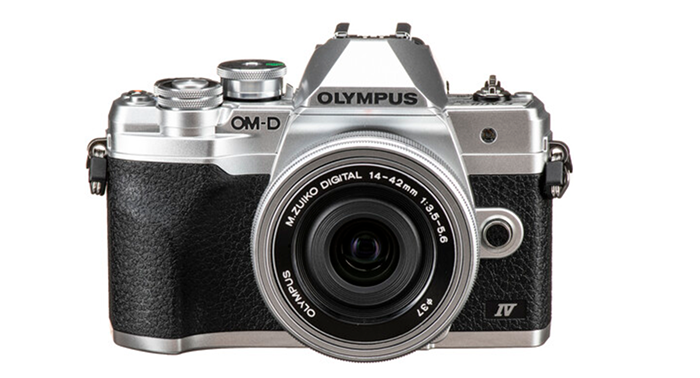
4:04 How to enable Silent Shutter in your Olympus OM-D camera
5:17 Can I use Silent Shutter all the time? Limitations of Electronic Shutter and when not to us it?
9:00 In what situations Silent Shutter can be favorable?

Share

Topaz releases new Sharpen AI update: Auto masking can now detect 20 different types of subjects

Share

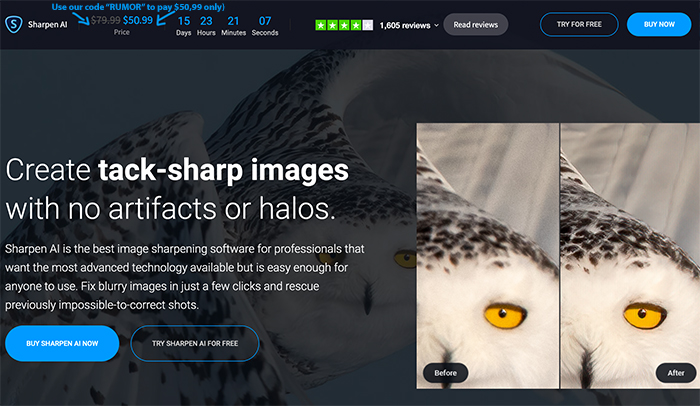
Topaz released a new update on Sharpen AI. And for a limited time you save $30 (or Euro) when using our checkout code “RUMOR”. You can also try it for free for a month if you like to see if it works.

What’s new?

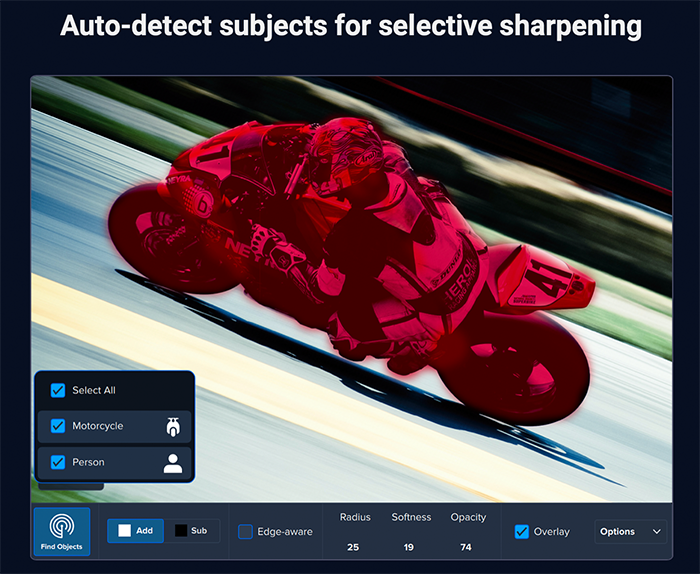
One of the new features will be the auto-detect masking tool to generate base masks. It can detect 20 different types of subjects, including people, cars, planes, and various animals. This feature can be accessed by clicking the “Masking” brush icon near the top of the screen by the view options and then clicking “Auto-Detect” in the bottom righthand corner.

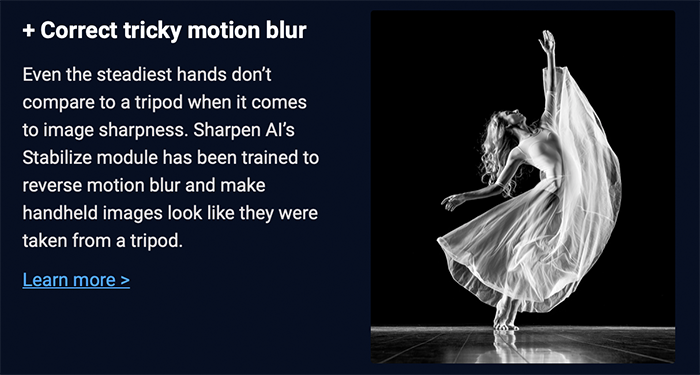
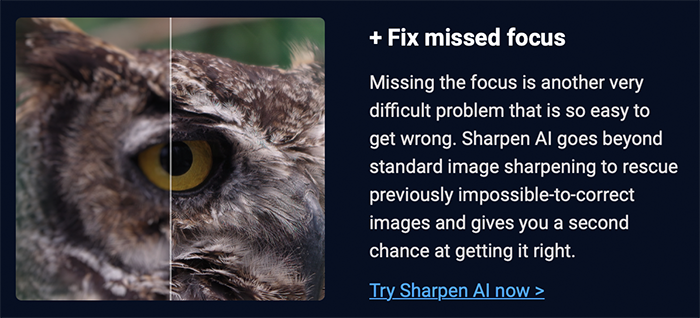
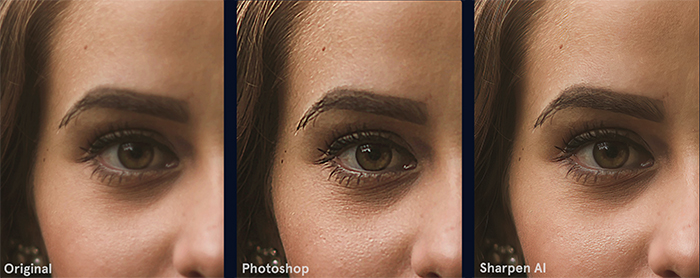
Also we’ve added an “auto-detect mode” capability which will allow Sharpen AI to select the best processing mode for your image (from the Focus, Stabilize, and Sharpen modes). Each of those three modes tackles image blur at its root cause, but now users can let Sharpen AI choose for them. This update will allow users to take full advantage of Sharpen AI’s technology by requiring less user input to generate great results.

Those are just a couple of the new updates. You’ll find several updates to the UI design as well, new product tour and tutorial, as well as new fixes and additions throughout the product for a better experience.
You can use our checkout code “RUMOR” to get an additional 15% discount on all TOPAZ products (Click here). And you have this massive savings on the full Topaz Utility bundle ($195 off using our code “RUMOR“)


Share