

a bit of everything…
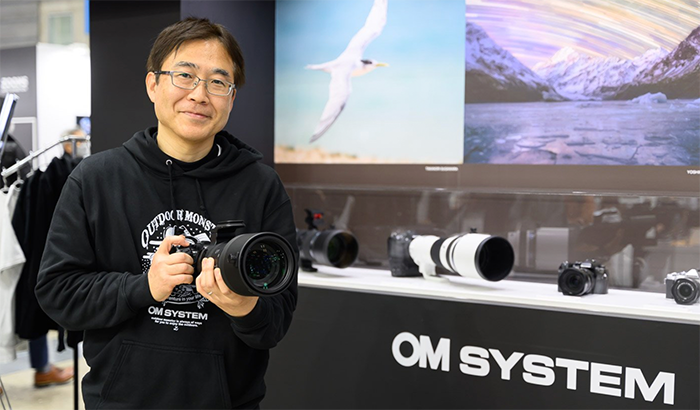
OM SYSTEM for the creators
LUMIX Live: Thank You!
TTArtisan 7.5mm f2 Fisheye Lens Review for m4/3 (Rob Trek).
Macro on a Budget: Reversing Rings (Explora).
The Best 4K Video Cameras in 2020 (42West).
Plenty of news on the facebook OMD group, Panasonic FF and the GH5 group.
New PhotoLab 5, FilmPack 6 and Nik Collection updates announced

As you know this week DxO launched the following deal: Use the checkout code “HOLIDAYDXO” to save up to 30% on all DxO products (Click here):
- 30% off on Nik Collection 4. Download a free trial version here.
- 30% off on PureRaw. Download a free trial version here.
- 30% off on Photolab 3.2. Download a free trial version here.
- 30% off on DxO Filmpack. Download a free trial version here.
- 30% off on DxO Viewpoint. Download a free trial version here.
But there is also a major update on three softwares. Dpreview summed them up:
PhotoLab version 5.1 includes an improved user interface with GPS coordinates that display directly on Google Maps. There’s a revised photo filter menu that promises improved usability.
FilmPack 6.1 includes an improved workflow as well. The Time Machine feature that was added to FilmPack 6 when it released earlier this fall has a new one-click option to apply a particular look to images while browsing.
Nik Collection by DxO version 4.3 adds 35 new nature-inspired presets, adding to the existing suite of more than 250 presets. Nik Color Efex features ‘The Seasons,’ which are four presets that ‘evoke the different stages of the year.’ For example, Winter adds a chilly, cool atmosphere to your photos while Autumn pushes green foliage toward red, orange and yellow, adding warmth to your landscape photos.
a bit of everything…
Nitze camera cage for Panasonic Lumix BS1H / BGH1
LUMIX Live: What Does This Feature Do?
Maybe some good news? Strong camera sales in China (MirrorlessRumors).
How to Create Dreamy Photos Using the Orton Effect (42West).
Strobe and Flash Lighting for Photography (Explora).
Plenty of news on the facebook OMD group, Panasonic FF and the GH5 group.
Capture One 22 Released with Panorama Stitching, HDR Merging and Auto Rotate
Capture One 22 has been released and these are the top features you’ll get with the new version.
Panorama Stitching
Build stunning panoramic stitches of landscapes, cityscapes, architectural scenes and more with incredible resolution and total detail from edge to edge. Produce superb wide-angle shots without warping and distorting corners. And don’t let the word “panorama” hold back your imagination – with multi-row stitching, you can build your image in all directions, giving you a huge DNG file to work with that’s fully editable directly in Capture One.
HDR Merging
Combining multiple RAW images with different exposures, HDR Merging gives you a single high dynamic range image in just a few clicks – perfect for landscapes set during sunrise or sunset, interior shots showing both an indoor and outdoor setting, or any scene with big differences in exposure. Go one step further by using the powerful editing tools in Capture One to finalize your image.
Auto Rotate
Time is money – spare yourself hours of manual rotation in your workflow with our first AI-driven tool, letting you automatically rotate huge image batches simultaneously.
Check out all new features on the new Captuire One 22 page.