$550 discount on the fast, reliable and for us photographers very useful portable Sandisk 4Tb hard disk sold by Amazon (Click here) and BHphoto (Click here).
More deals:
Tamron rebates: Tamron launched massive rebates on their E-mount lenses at BHphoto, Amazon and Adorama. Just adding my tip now: The 28-200mm FE is the best travel zoom I ever owned! I always carry it with me on my hiking tours and love it!
$550 discount on the fast, reliable and for us photographers very useful portable Sandisk 4Tb hard disk sold by Amazon (Click here) and BHphoto (Click here).
There is a 45% discount on the Flex Bolt sold on Indiegogo. The FLEX Bolt makes it easy to capture stunning lightning shots effortlessly.
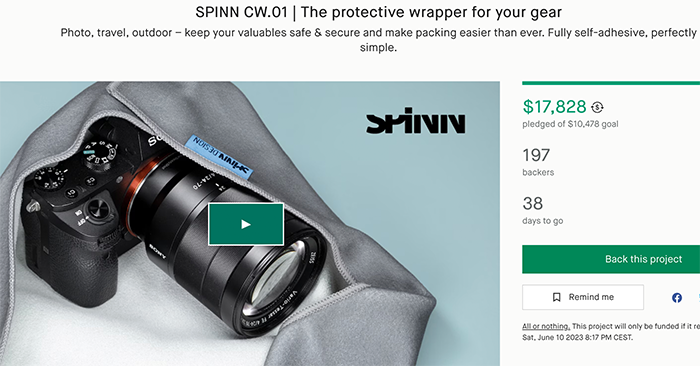
Spinn launched the brand new version of their famous Fully self-adhesive protective gear wrapper on Kickstarter (Click here).
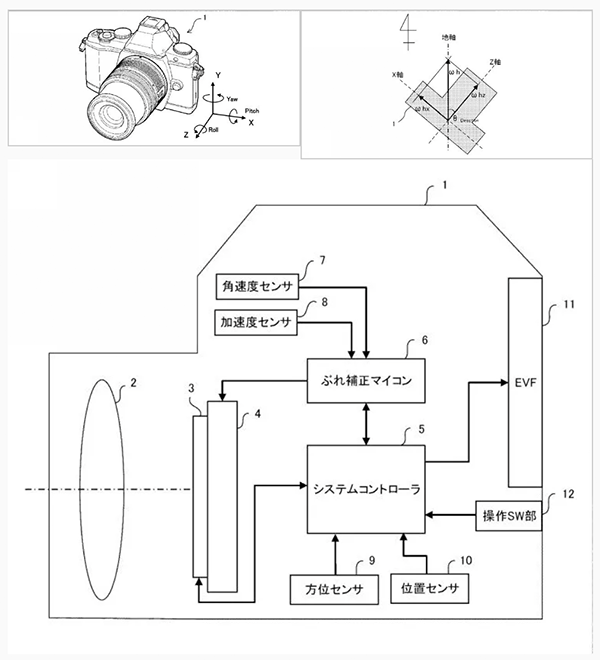
Asobinet spotted a new OM Digital patent which shows they are working on a new astronomical tracking function. It seems that tracking shooting is possible without the with the altazimuth base and using the camera alone. It will be interesting to see if future OM cameras will have this feature which certainly makes it very attractive for those of you that take astro photos!
Topaz Photo AI v1.3 introduced a new Sharpen Strong model that recovers more detail and generates fewer artifacts than before. Autopilot now selects Sharpen Strong instead of the older Motion Blur / Lens Blur options.
Here is a comparison of the results between Sharpen Strong and the old Lens Blur model for a misfocused subject at 200% zoom:
As you can see above, Sharpen Strong helps generate more natural and detailed results for images with severe motion or lens blur. Unlike previous models Sharpen Strong does not handle noise, so you may now need to enable Remove Noise if you notice noisy output.
We will be improving Sharpen Standard and Strong in the coming months. In the meantime, if you still want access to Motion Blur and Lens Blur, you can re-enable them by switching on Preferences → General → Legacy Models. Read the docs 21 for more information and a test sample image.
Allow selecting non-detected faces
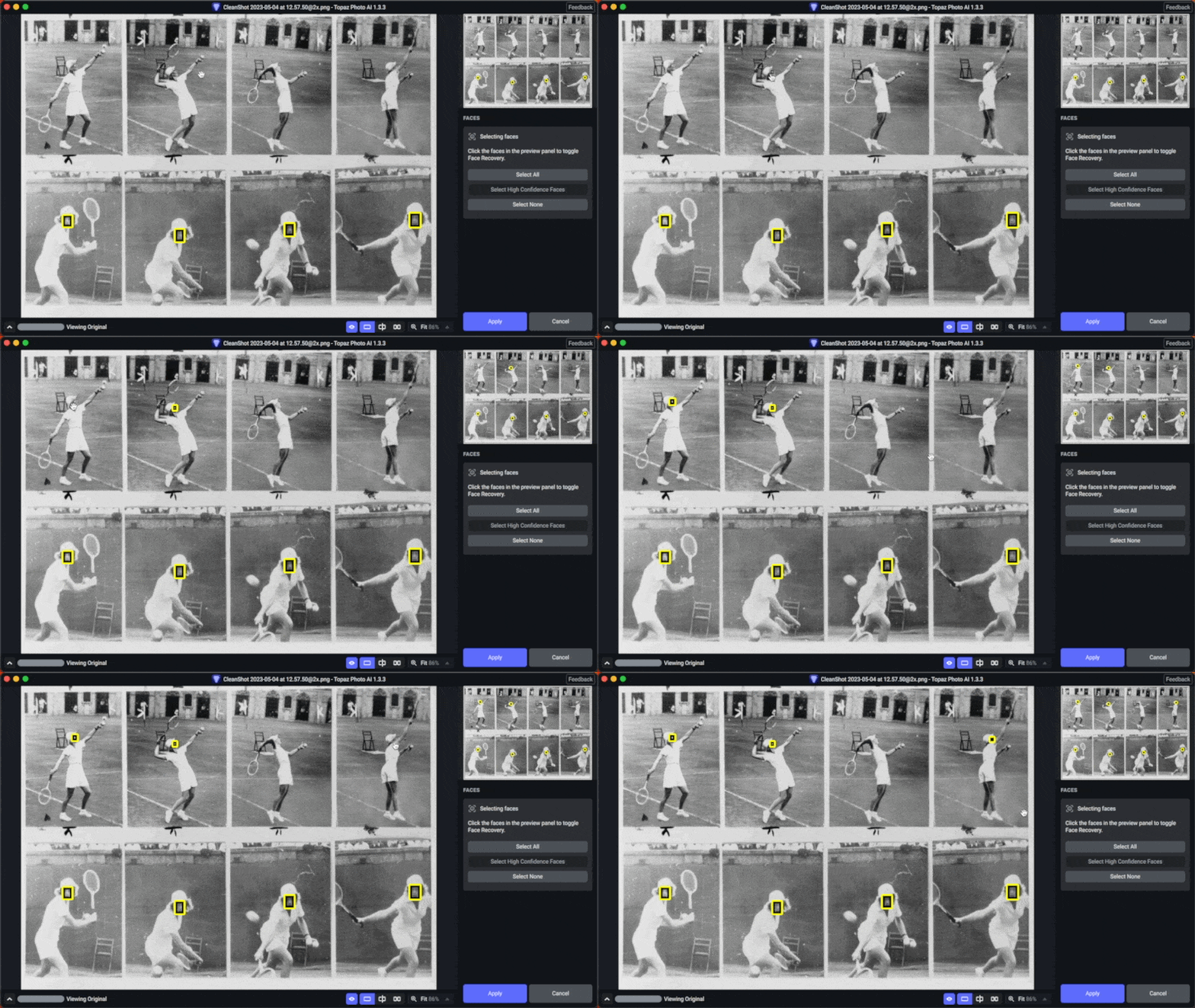
You can now manually select faces that weren’t previously detected by Autopilot:
Internally we assign a “confidence score” to the likelihood that each image feature is a face. Autopilot only recovers faces with a high confidence score, otherwise we would end up attempting Face Recovery on many non-face objects.
You can now manually select low-confidence faces to be included by Face Recovery, which should cover many cases that Autopilot previously detected incorrectly. To do this, click the Select button next to the Face item in Autopilot. You can learn more in the docs 12.
10x faster in-app updater downloads (Win)
We’ve introduced patch updates that make in-app updates significantly faster on Windows. Updating from v1.3.0 → v1.3.x using the in-app updater now requires a 10x smaller installer download than before. A few caveats:
This only currently affects patch updates (v1.3.1 → v1.3.2). Major (v1 → v2) and minor (v1.3 → v1.4) upgrades will still use the full download.
For Mac users: we currently only support patch updates on Windows, but Mac installers are already ~70% smaller than their Windows equivalents.
This is a big step towards reducing friction around our weekly product updates. Our long-term goal is to create an update process that you don’t need to think about or work around.
Other improvements and fixes
We’ve also fixed several important issues and made many smaller improvements within the past month:
Refined the Enhance Resolution Standard model: fix blurriness in highlights, better handle strong compression, more natural faces.
Fixed half-face recovery issue
Fixed distorted or rotated masks in Lightroom Classic
Fixed issue where Autopilot RAW output would be different than preview
Fixed exporting a large number of images
Added image thumbnails for all file types
Improved preview performance by reusing already-processed tiles
Improved various Autopilot mapping issues
Added support for HIF extension
Allowed preserving bit depth on PNG and TIFF output
Allowed double clicking slider to reset to Autopilot value
Improved logic for showing the “close image” warning
Fixed file size estimate issues
Fixed several crash on exit cases
Fixed various minor UI issues and bugs
CLI: allowed access via tpai on Mac, added the -verbose flag, and added better error handling